
<img height="1" width="1" style="display:none" src="https://www.facebook.com/tr?id={477842172606238}&amp;ev=PageView&amp;noscript=1">
FDIC-Insured — Backed by full faith and credit of the U.S. Government
  • There are no suggestions because the search field is empty.

Fraud Prevention

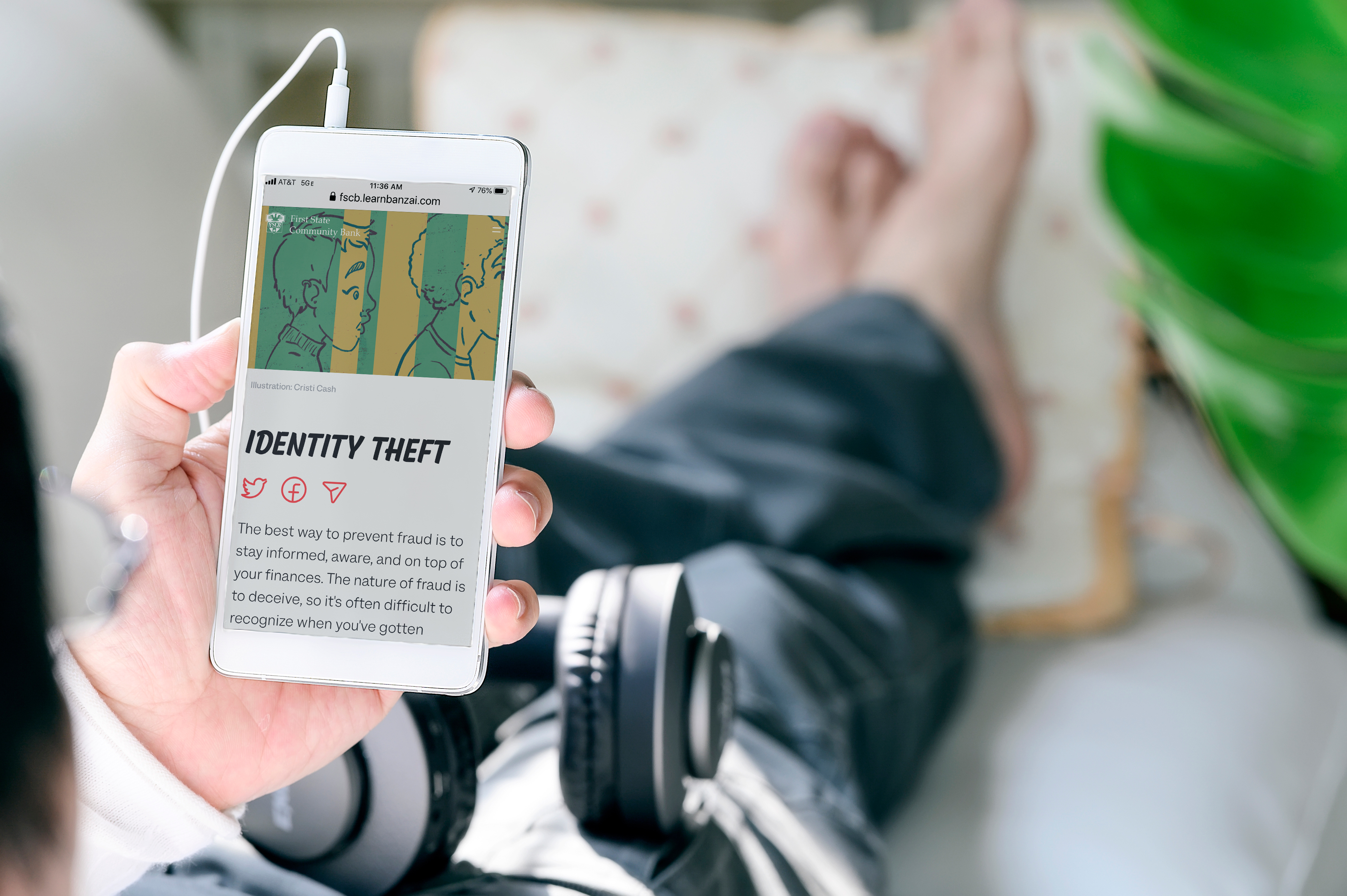
Protecting your privacy is important to us, and at First State Community Bank, we take measures to ensure your information is secure. We are dedicated to preventing unauthorized access to customer information and are committed to taking appropriate action to protect against fraud.
Man using mobile phone while relaxing at home. - Copy

Notable Scams Happening Now

Fraudsters are always changing their tactics. Here are the scams we’re seeing in our communities right now and how to keep yourself and your family safe.

Active Alert Posted September 2026

Call Forwarding Scam

Scammers pretending to be your bank are tricking people into forwarding their own phone calls, so the scammer can intercept security calls and passcodes.

How the Scam Works

  1. The Initial Contact

    You receive an urgent phone call, text, or message that appears to come from First State Community Bank. Scammers can spoof caller ID so our name or number shows up on your phone.
  2. Creating Urgency

    The caller claims there is “suspicious activity” or a “fraudulent charge” on your account and that you must act right away to protect your money.
  3. The Trap

    They tell you to dial a short code followed by a 10-digit phone number they provide. The code usually starts with a star or pound sign, such as *72 or **21*.
  4. The Hijack

    That code turns on call forwarding. Your incoming calls, including security and verification calls, now ring the scammer’s phone instead of yours, so they can receive passcodes meant for you and get into your accounts.

How to Protect Yourself

  • Never Dial Codes a Caller Gives You

    Don’t follow instructions from someone who contacted you to dial codes that start with a star (*) or pound sign (#).
  • Hang Up and Call Us Directly

    If you get a call about a security issue, hang up. Call us at 877-955-3722, the number on the back of your debit card, or reach out through our official website or mobile app.
  • Never Share Your Codes

    First State Community Bank will never call and ask you for a one-time passcode, PIN, password, or online banking login.

What to Do If You’ve Been Scammed

  1. Turn Off Call Forwarding Now

    On most AT&T and T-Mobile phones, dial ##002# and press call. On Verizon, dial *73. If you’re unsure, contact your mobile carrier.
  2. Call Us Immediately

    Call First State Community Bank at 877-955-3722 so we can help secure your accounts, review recent transactions, and watch for unauthorized activity.
  3. Secure and Report

    Change your online banking password, then report the scam at ReportFraud.ftc.gov.

Remember: Caller ID can be spoofed. Even if a call appears to come from First State Community Bank, hang up and call the number you know is ours.

Key Security Tips

Protect yourself and your financial information from fraudsters and cybercriminals by following these safe banking tips.


Sign up for banking alerts: Protect your hard-earned money by staying on top of your finances with FSCB alerts. Setting up card alerts can help you monitor account activity and flag any suspicious transactions.
Know how to spot phishing attempts: Phishing is one of the most common ways cybercriminals attack. Don’t reply or click on any links in unsolicited or suspicious emails or texts.
Pick strong & unique passwords: Create a different password for each of your online accounts. Don’t use birthdays, anniversaries, pet’s or children’s names, or common phrases like “password” or 123456. Instead, use complex phrases that are at least 8 characters long. Your passwords should include upper and lowercase letters and special characters (numbers and symbols).
Use multi-factor identification: Enabling multi-factor authentication is the best way to prevent fraudsters from pretending to be you. This multi-step account login process requires users to enter more information than just a password. It may require sending a code to your phone via text or scanning your fingerprint.
Secure your devices: Update your computer table and phone regularly, as well as any antivirus and firewall software. Use strong privacy settings on your devices to avoid popups and unsafe websites.

Have you heard of our Mastercard ID Theft Protection product?

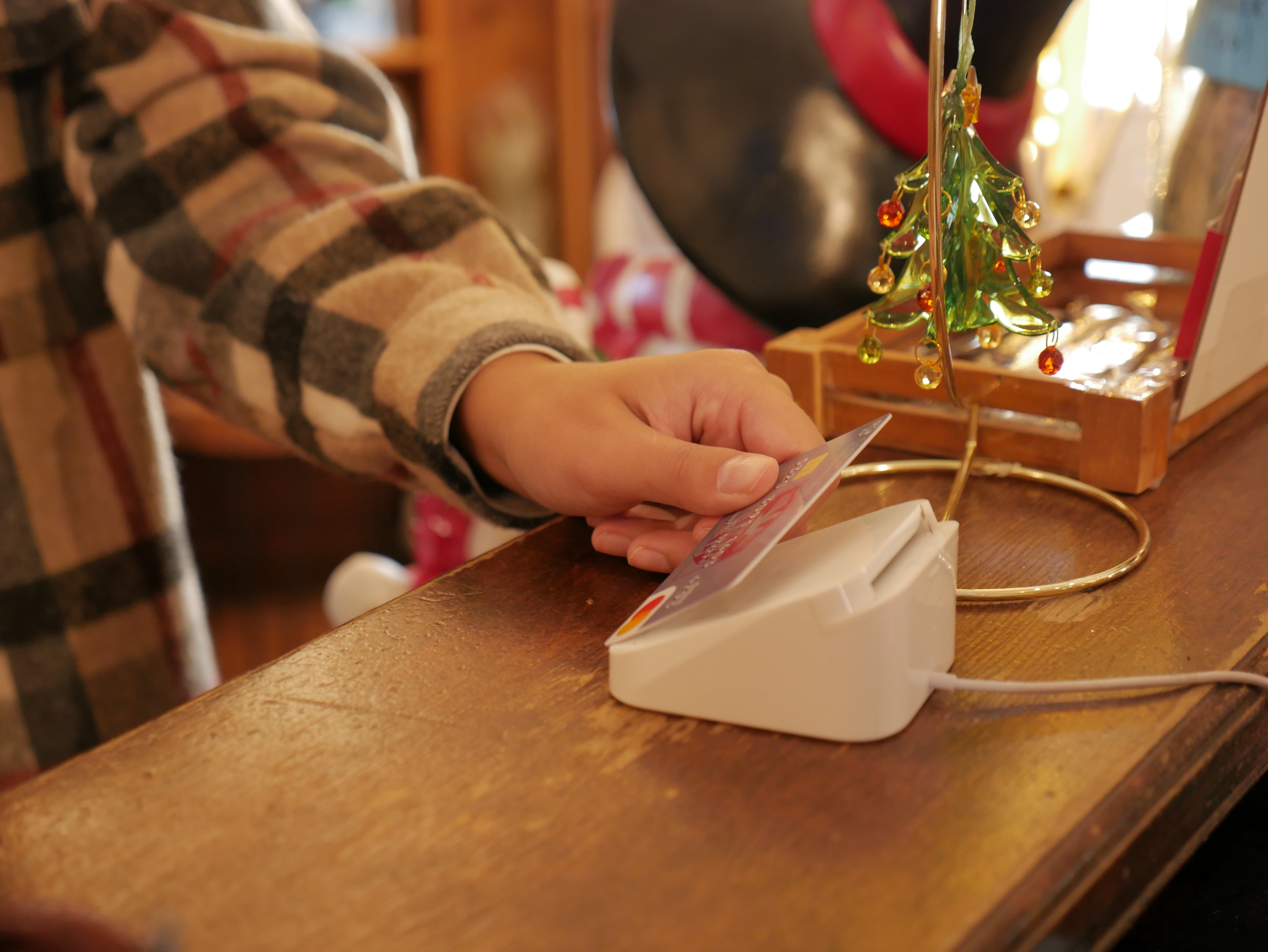
FSCB has partnered with Mastercard® to provide ID Theft Protection on qualifying accounts as an added layer of security.
Set Up Account Security Alerts

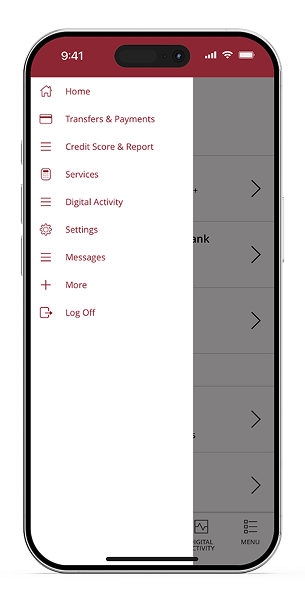
Enroll in our digital banking platform to stay informed by setting up alerts and easily monitor your accounts via email, phone, or text messages.
Step 1:

Under the menu tab, click settings.

How to Report Fraud

Notice unusual activity on your account?

web

Visit FTC.gov and report the scam.

Group 145

Contact your bank by calling the number on the back of your card.

police

Call your local law enforcement to report the crime and obtain a police report.

If you have concerns about a phone call, text, or email from an unknown individual or company, be cautious and give the individual/company a call back to a known and verified phone number to ensure the legitimacy of the request.

Frequently Asked Questions

Not Sure Where to Start?

Call Us

Monday - Friday: 8:00 am - 10:00 pm
Saturday - Sunday: 8:00 am - 5:00 pm
Message Us

Send our customer service team a message and we will get back to you.
Visit Us

Come by a local FSCB branch to speak with us in person.